AI Tools That Ingest a Raw Screen Capture and Return a Sequenced Final Cut With No Timeline Work
Learn which AI tools can turn raw screen captures into finished videos.
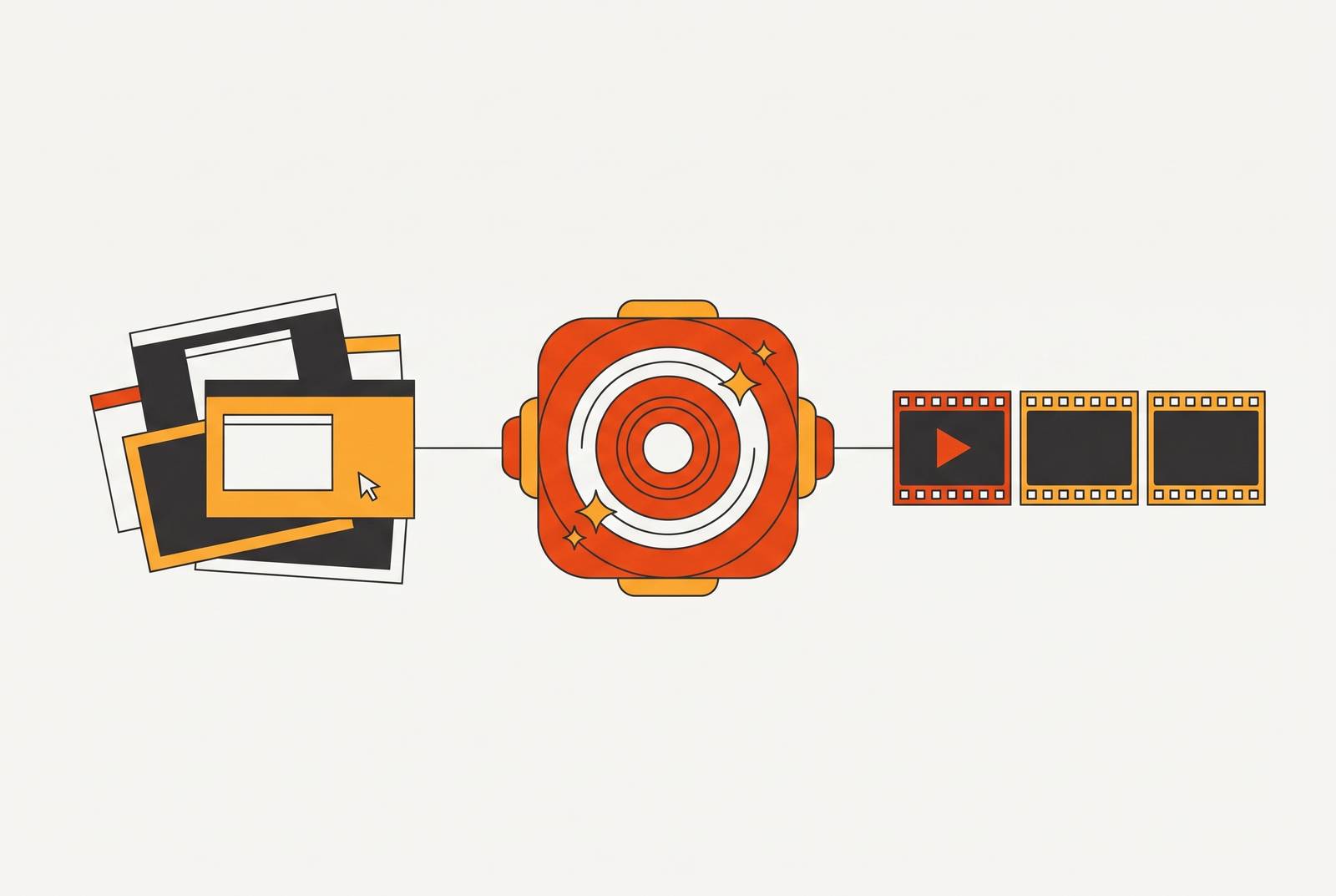
Agentic video editing means AI makes editing decisions, rather than merely providing controls for a human editor. For raw screen captures, FocuSee automates visual direction, transcript editing cleans up narration, and Shade goes further into sequencing and style. The practical workflow is to supply the recording and any brief or preset, then review the result. No timeline work is increasingly realistic. No human judgment is not.
Why uploading a raw screen recording and getting a finished cut back is now possible
A non-editor still had to open an editor, scrub through the recording, place zoom keyframes, cut silences, add captions, and arrange clips. Each task had to be done by hand, even for a simple software walkthrough. The screen capture was finished, but the video was not. Congratulations on completing the easy half.
AI automations now cover those stages, so most tutorials, product demos, and async updates no longer require manual timeline editing. Some tools follow on-screen actions to show where to look, while others use speech to decide where to cut. Tools that go further also choose the order of clips and the style. The scope here is footage already recorded.
That distinction also makes the promise easier to judge. A usable result might be a demo with automatic zooms, a narrated update with the stumbles removed, or a styled cut assembled from raw clips. Each asks the software to solve a different problem. The useful comparison is therefore not which tool does “AI video,” but which decisions it can take off the creator’s hands.
The two mechanisms that make timeline-free editing work
With transcript-as-interface, the user edits the video through the words that were spoken. Deleting words removes the corresponding video segment, rearranging sentences reorders the clip, and typing new text can add or replace audio. The user works in a document rather than a timeline. This fits narrated tutorials, async updates, and talking-head recordings because the audio track drives the edit. Reading replaces the hunt for the right frame.
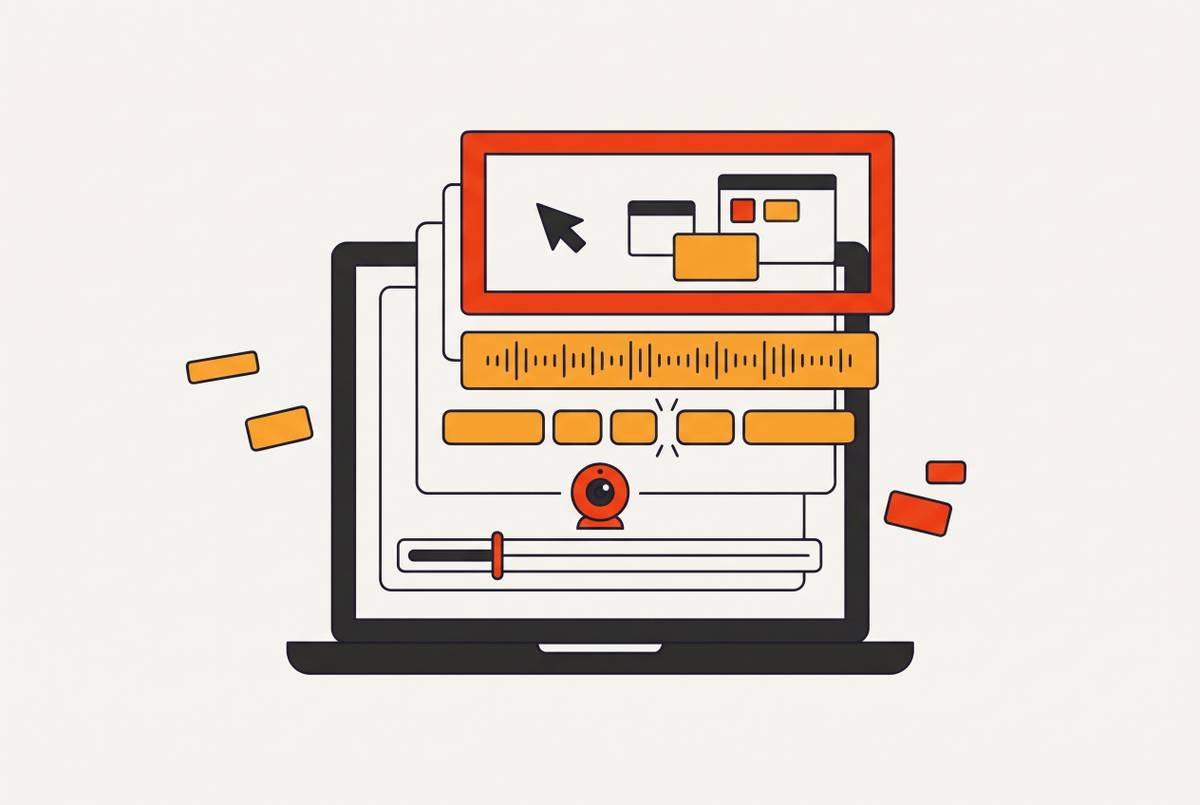
Cursor-event intelligence follows a different set of clues. It treats mouse movements, clicks, and keyboard operations as instructions about where the viewer should look. The cursor becomes a kind of cameraperson, guiding zooms, click highlights, and camera-work animations without someone placing each effect by hand. This fits software demos and UI walkthroughs, where the action on screen explains the process.
Silence and filler removal help with both approaches. These passes tighten pacing without requiring a separate decision about every pause or stray sound. They do not, however, choose the video’s argument. The first choice for a non-editor is therefore whether the recording’s meaning lives mainly in what is said or what is clicked. That determines which mechanism has the right clues to work with.
What cursor-event intelligence produces from a screen recording with no editing input
A raw software demo often leaves the viewer staring at a full screen while a cursor travels between controls. The important action may occupy only a small part of the frame. FocuSee, by iMobie, detects mouse clicks and operation areas and automatically zooms into relevant UI elements. Click animations and shortcut key overlays make the actions easier to follow.
The resulting video looks less like a static screen dump and more like a demonstration filmed by someone who knew where to point the camera. FocuSee’s 2026 overview describes naturally edited tutorials and product demos without manually set keyframes. With one click, its 3D camera-work animation adds tilt and perspective that follow the cursor. Camera layouts, including picture-in-picture and full screen, can also be adjusted after recording without complex operations.
AI Smart Cut cuts out filler sounds and long silences, while AI Noise Reduction and AI Voice Enhancement take care of background noise and breathing sounds. FocuSee’s overview says a 10-minute tutorial that takes up to 90 minutes to edit manually can instead reach review in a fraction of that time. The qualification is important, though. FocuSee presents the actions in the order performed. It does not decide that the demo should tell a different story.
What transcript-based editing produces from a narrated screen recording
For a narrated walkthrough, the most useful instructions may already be in the audio. The workflow is to record, let the tool transcribe, read the transcript, and delete the bad sentences. Each deletion cuts the corresponding video automatically. Filler removal and silence trimming can run before that reading pass, so the document is already cleaner than the original take.
The before-and-after is chiefly about speech and pacing. A raw take may contain dead air, verbal stumbles, and explanations the speaker would rather omit. The edited version keeps the chosen sentences and removes the material cut from the transcript. Rearranging sentences can also change their sequence.
This is timeline-free editing, but not necessarily decision-free editing. Someone still has to choose which explanation is clear and which sentence wanders off to make tea. The mechanism itself does not add zooms, music, or visual structure. Its strength is a clean, correctly sequenced version of what was said. For recordings led by narration, that can be the main job instead of a first step toward more work on how the video looks.
Which AI tools make cuts, pacing, and styling decisions on their own?
Shade moves beyond cleanup into decisions about how a video should unfold. Its workflow accepts raw footage, including a single take or multi-cam material, and uses a chosen style preset to produce a finished cut within minutes. The presets include cinematic, vlog, tutorial, and highlight reel. The input is more than an instruction to remove pauses. It gives the tool a direction for the edit.
Shade applies cinematic conventions to different kinds of footage. Those include 3-act structure for tutorials, B-roll cutaways for talking-head content, and montage edits for highlights. Instead of merely preserving a recording more neatly, the tool makes sequencing, pacing, transition, and music choices. That is the clearest distinction between task automation and agentic editing.
Stanley Studio, from the Stan team, takes a similar position. Users drop in clips and brief the AI as they would a human editor, without touching a timeline. Shade also allows manual override of its AI decisions, leaving room for correction. This is the most ambitious form of the pipeline, but not a solved creative problem. The creator still chooses what to record and checks whether the clips that come back tell the story they meant to tell.
Repurposing a single screen recording into multiple platform-ready clips without manual selection
A polished long recording and a useful short clip are different outputs. Repurposing tools find segments worth extracting without requiring someone to watch and mark the entire source. Opus Clip scans long videos for high-engagement moments, slices the footage, reformats it for different platforms, and applies captions. The selection itself is automated. The user does not have to arrive with a list of timestamps.
For screen recordings, that turns a webinar, long product walkthrough, or onboarding session into material for social clips, support snippets, and training excerpts. A 10-minute recording that is well laid out and has clear narration can become several usable clips, each exported in more than one of the aspect ratios. The value comes from multiplying outputs from one recording session. It is not simply a faster way to polish the same long video. One capture becomes a supply of shorter assets.
This automation starts after recording, with an upload of footage already captured. Its selection task also differs from a full-pipeline editor’s sequencing task, because it is looking for useful excerpts rather than shaping the entire source into one finished piece. The distinction helps set expectations. Finding a promising moment and explaining a complete process are not the same assignment.
Where the pipeline currently stops: what AI still cannot decide for you
AI can make a video fluent without making it useful. Removing silence, cutting filler, and using cinematic conventions make a video look and sound better, but they do not decide whether an answer is interesting or a moment shows something important. Nor do they show whether a sequence matches what actually happened. Polish is not proof. A smooth cut can still deliver the wrong message.
Omission is especially difficult because it depends on purpose. Nothing in the footage tells the AI what the video is not about. Cursor-event tools make this boundary easy to see, since they present the recorded actions in their original order. A wrong click path can still look excellent on screen.
Review time should be set aside to check that the story is accurate and the message is clear. AI can deliver a credible first draft that would otherwise have taken hours, handling effect placement and leaving the human to judge meaning. That review is especially important for customer interviews, sales demos, and onboarding videos that must be accurate. Internal async updates allow more room for “good enough.” The standard depends on what viewers need to trust.
Matching the right automation to the right recording type
The practical choice starts with content type, intended output format, and the creative control the creator wants to retain. For a UI demo or software tutorial where the click path is the story, FocuSee is the strongest fit among these options for automatic visual direction. Cursor-event intelligence can turn the recording into a zoomed, highlighted presentation without a separate editing step. The sequence remains the one recorded. That is an advantage when the demonstration already follows the right path.
For a narrated tutorial or async update, transcript editing is the more direct fit. The recommendation is to use the words as the editing surface when speech determines what stays and what goes. Automated cleanup takes out filler and silence, while a human chooses other cuts by changing the text. This route preserves control over the explanation without requiring timeline work. It is less about handing over direction than changing the controls.
For raw footage that needs structure, pacing, music, and style, Shade is the closest match to the full-pipeline promise described here. A preset gives the tool direction, and manual override allows correction when its choices miss the intended story. Stanley Studio offers the related brief-the-editor approach. The workflow is brief, generate, then review. These tools suit creators who want the software to make aesthetic and sequencing decisions.
For a long recording that needs to become many short-form assets, Opus Clip addresses the separate job of selection and reformatting. There is no need to choose one universal winner when the assignments differ this much. The best route is the one whose automation matches the recording’s source of meaning and the desired output. The pipeline is real and usable today, but its strongest starting point remains a clean, well-structured recording.