The Screen Recording Handoff That Skips the Timeline Entirely and Returns a Finished Cut
Delete words from a transcript and AI hands back a clean cut.
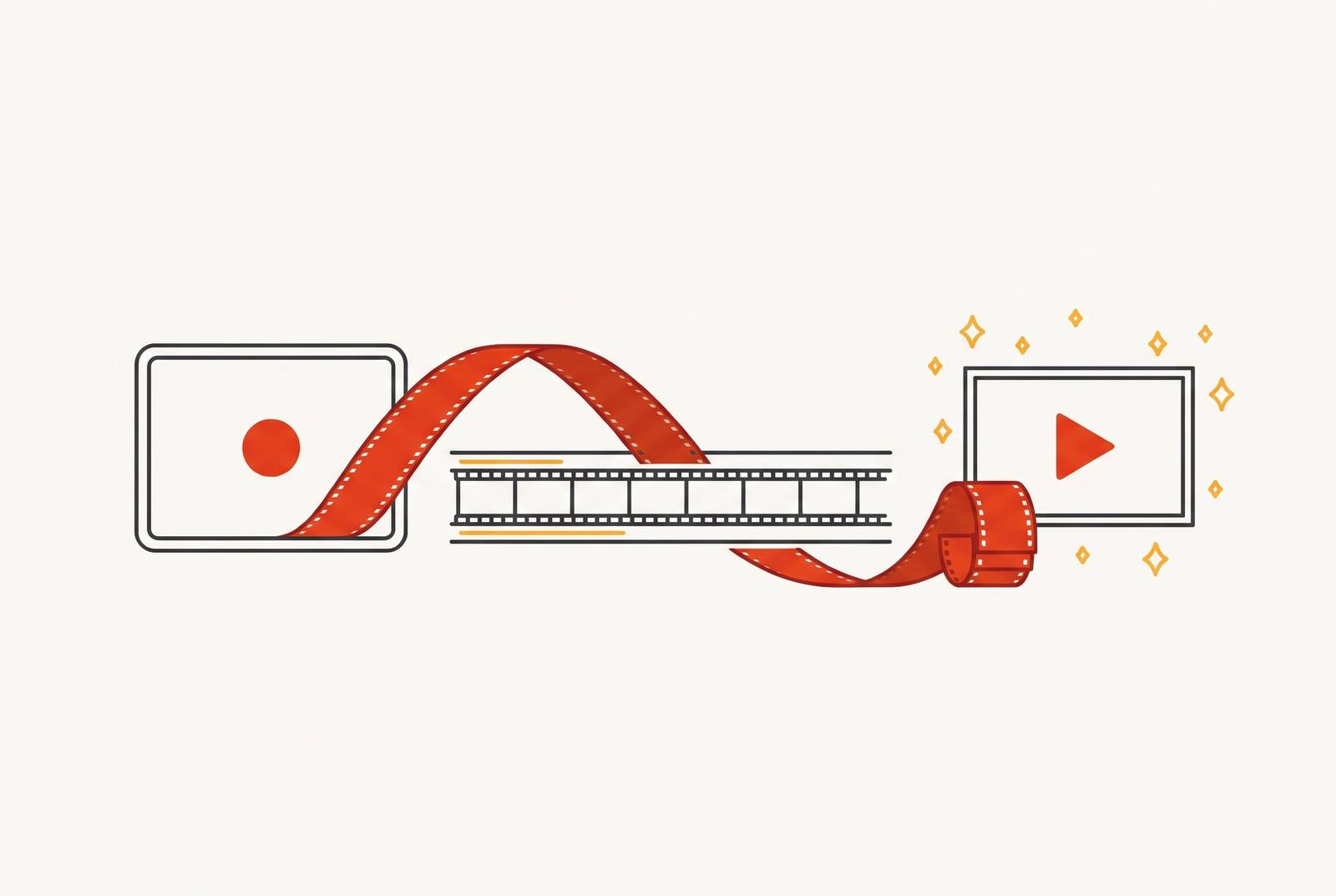
Transcript-based editing is the screen recording handoff that skips the timeline. When text is deleted, the matching video goes too, and AI trims silence, removes filler, and adds structure on its own. For most demos, async updates, and training walkthroughs, this form of agentic video editing replaces manual production with a clean cut ready for review and sharing.
Why the editing phase exists and what it actually costs
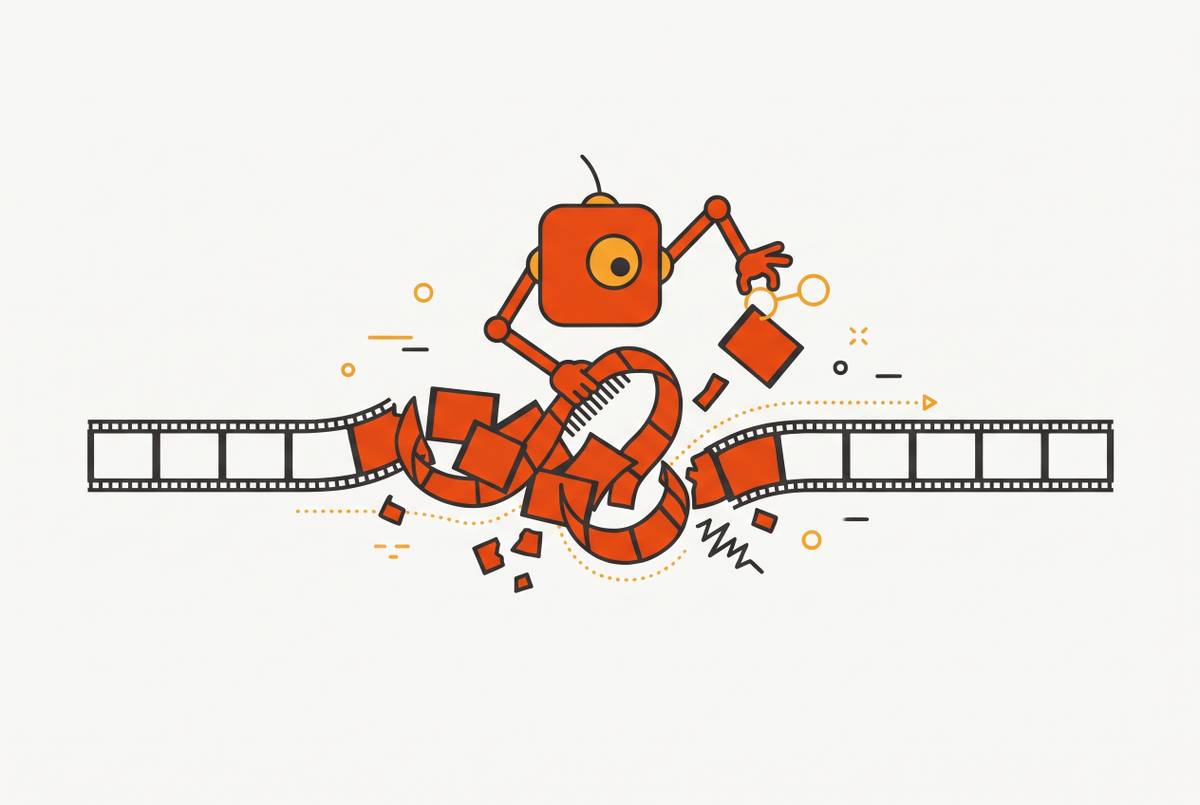
Raw screen recordings have more in them than the recorder meant to say. They also contain mistakes, pauses, false starts, and the occasional “um” holding the floor while a thought arrives. They rarely come with useful navigation. The traditional editing phase exists to turn that raw take into something another person can follow without paying for every second the recorder spent thinking.
A non-editor must scrub through video to locate a stumble, split the clip, delete the unwanted segment, and close the gap. Then the process starts again at the next pause. A simple spoken correction becomes a small construction job, complete with tools whose names the recorder had no reason to learn.
For teams making product demos, async updates, or training walkthroughs, every recording restarts that work. The overhead accumulates until recordings sit unedited and unshared, despite containing useful information. Recording was supposed to save time. The bottleneck is that the recorder knows which sentence should go but must express that decision in video time.
How transcript-based editing replaces the timeline as the editing surface
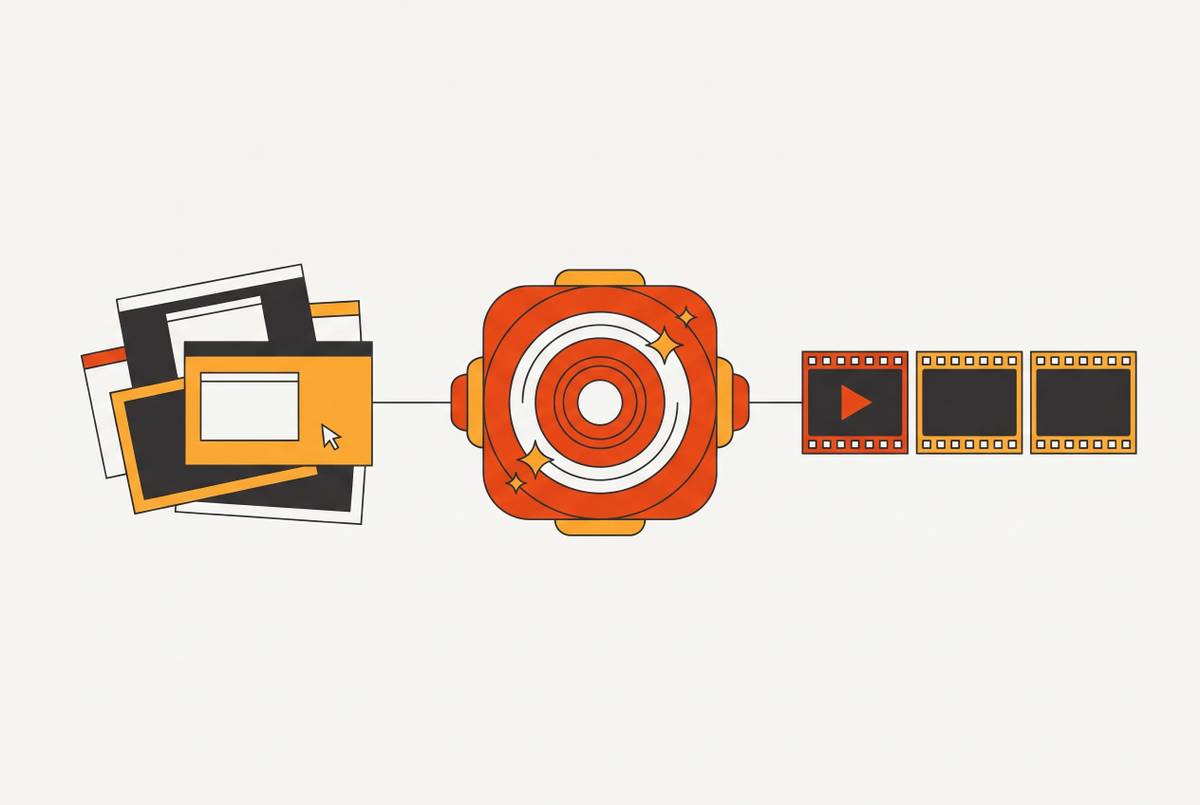
AI transcribes the audio during recording or immediately after it stops, mapping words to timestamps. The editor then displays readable text instead of asking the recorder to work through a waveform or clips on a track. The words become the controls for the footage.
When a sentence is deleted, the matching video segment goes too, and the gap closes on its own. The recorder has no clip to split or empty space to fix. When a paragraph moves, the matching clips move into the same order, and when a passage is cut, that part of the recording goes too.
Someone who can shorten an email can remove a rambling explanation without learning what a ripple edit does. The underlying video still has timing, but the person making the cut no longer has to manage it directly. Language becomes the editing surface because language is where the decision began.
That word-to-time mapping also supports the finished recording’s other outputs. Paragraph breaks can supply chapter markers, the full text can supply a summary, and the same timestamped words can supply captions.
What AI adds on top of the transcript: silence, filler, and automatic structure
Text editing handles deliberate choices about what to say. AI cleanup takes care of the noise around those choices, including filler words, dead air, and repeated false starts. Some of that noise is barely visible in a transcript. A pause can occupy very little space on the page while asking rather a lot of the viewer’s patience.
Filler removal identifies words and phrases such as “um,” “uh,” “like,” “basically,” and “you know,” together with their surrounding audio. It removes them without leaving an audible gap or splice artifact. Silence trimming detects gaps between sentences, hesitations, and pauses to think, then shortens them automatically. The pacing tightens without someone watching for every delay. An improvised explanation can consequently sound like a prepared take.
AI also supplies structure by recognizing topic transitions and suggesting or inserting chapter markers, making a longer recording navigable without manual labeling. The summary it writes gives viewers the key points before they press play. They can find the part they need instead of giving up on the whole recording because the useful part is buried somewhere inside.
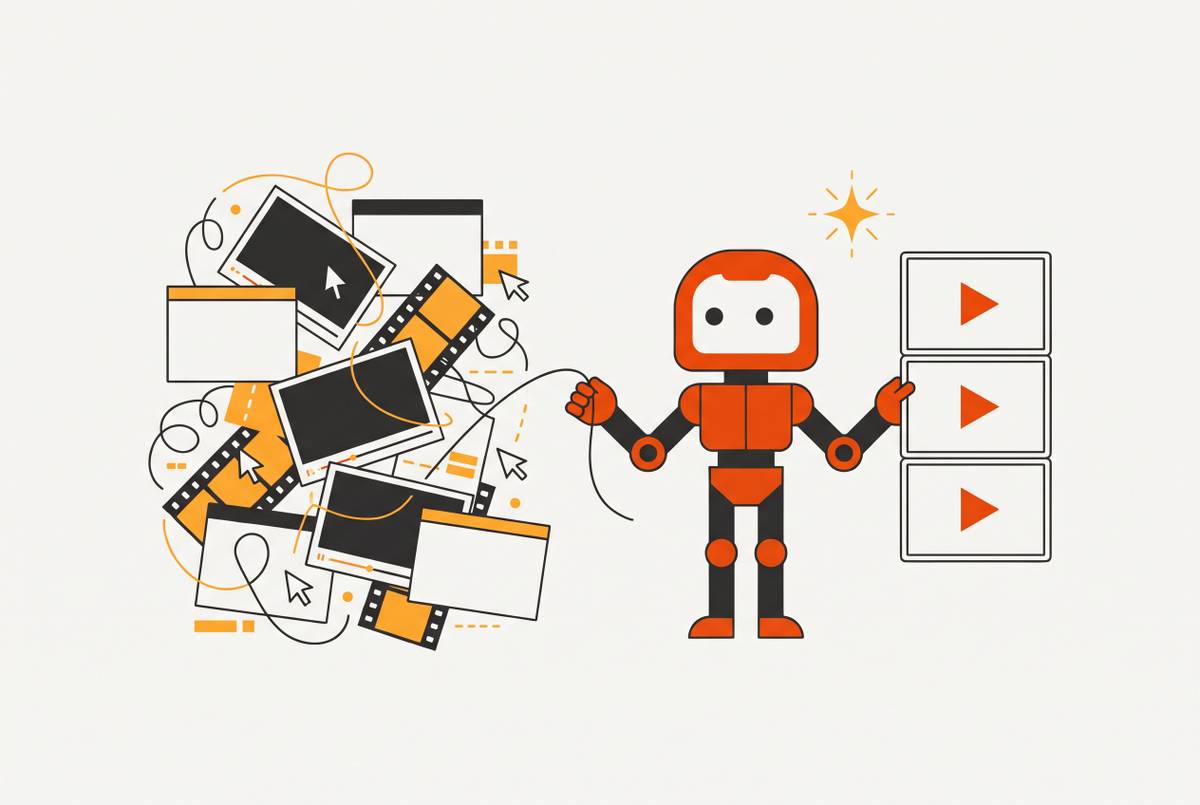
Together, these operations change the state of the first draft. The recorder gets a cleaned-up transcript linked to a tightened video in place of raw footage that keeps every pause to think. The remaining task is judgment about the message.
Capture-time production versus post-capture AI editing — why both approaches reach the same destination
There are two routes to video without manual timeline work. Capture-time production adds effects while recording is under way, and post-capture AI editing works on the recording after it stops. Both remove production work from the recorder’s hands. They differ in when decisions happen and how easily the recorder can revise them.
Capture-time systems monitor mouse movements and clicks, applying zoom, motion blur, click visualization, and background replacement as the recording happens. AutoZoom’s March 2026 analysis describes the approach as “you record, and the AI handles the production”. The output is already a finished video, without a post-processing step or required transcript review. That immediacy is its practical advantage.
The tradeoff is a baked-in first pass. It is not, however, an entirely locked result. AutoZoom’s editor allows adjustments to zoom level, speed, and timing, and new zoom segments can be added by hand without recording again. Capture-time production removes the initial production pass but commits to visual decisions before the recorder has reviewed the whole take.
Post-capture editing starts with a clean recording and processes its audio immediately after stop. AI gives back a transcript with silence trimming and filler removal already done, and the recorder can cut more by editing the text. The recorder has to spend a little time reading but still gets to choose what stays. For async updates, product walkthroughs, and onboarding clips, it is the more forgiving route when spoken mistakes need correction, because a fumble can become a deletion.
Where transcript-based editing changes the actual workflow for screen recording use cases
For async team updates, the biggest change is that the team can skip the separate production task after recording. When automatic cleanup is enough, the update can move straight to sharing. Recipients gain time too. A summary lets them triage the message, and chapters let them jump to the relevant part. Replacing a synchronous meeting with a recording also saves the combined attendance time of the people who would otherwise have joined.
For product demos and sales recordings, the benefit is recovery. One stumble no longer has to invalidate an otherwise useful walkthrough, because the unwanted sentence can be deleted and the video gap closed. The take survives the fumble. A demo can also be adapted for different audiences by removing or reordering sections, rather than recording the same explanation again with a different route through it.
For onboarding and training, generated captions and chapters replace work that would otherwise need a separate production pass. Captions and transcripts come from the same timestamped words used for editing, supporting accessibility as part of the workflow. Chapter markers can also become boundaries for segmented lesson clips. Structure stops being an extra assignment. Once the walkthrough is in a shared library, it can take the place of giving the same hour-long tour to new teammates again and again.
What “finished” actually means after the AI handoff — and where the limit sits
“Finished” is a standard set by the audience and purpose. For an async message to established colleagues, clean audio, tight pacing, captions, and useful structure may be the complete job. An internal product demo needs a clear explanation more than a cinematic entrance. An onboarding walkthrough needs completeness and accuracy.
Some recordings still benefit from a brief review. A sales message going to a prospect needs a read-through to catch sentences that sounded fine when spoken but look awkward in context. Training content that will be watched repeatedly needs an accuracy check.
Custom motion graphics, branded lower thirds, multi-camera cuts, and composited screen elements require more than deleting or moving words. A polished marketing sizzle reel belongs to a different category because its visual presentation is part of the product. Text alone is not its production plan.
AutoZoom’s professional screen recording guide describes capture-time AI production as handling “most use cases”. For content that needs polished visuals, it is fair to say that automated output falls short of what traditional post-production can do. For demos, async communication, training, and documentation, however, viewers are evaluating clarity, accuracy, and speed of access, so the traditional edit phase can genuinely disappear.
What AI video editor can handle cuts and pacing without manual timeline work?
The useful test is the complete workflow. Some tools make text but give it no control over the video, while others keep recording and editing apart or offer AI cleanup only on paid tiers. How much work goes away depends on those differences. A feature checkbox cannot answer that question on its own.
For a transcript-based workflow, recording and editing need to live in the same tool, with a continuous path from capture through AI processing, transcript review, and sharing. Moving a file from a recorder to an editor brings back a handoff the system is supposed to remove. The transcript must also be the primary editing surface. Deleting text must delete video, rather than leave the recorder to locate that passage on a timeline.
Automatic cleanup is another dividing line. Filler removal and silence trimming that run after stop eliminate a task, while the same features buried in a settings menu still demand a decision and an action. Immediate processing and sharing similarly avoid a render queue. Waiting is still overhead, even when the progress bar is attractively designed.
The outputs need to stay connected too. Captions generated from the editing transcript stay synchronized through changes, while summaries and transcripts come from the same process. Finally, a spoken mistake must remain fixable through text deletion. A tool that locks the recording without transcript editing cannot deliver that recovery, whatever other production work it automates.
Applying the transcript-based workflow in practice — from recording habits to sharing
To put this workflow into practice, start with clean audio and one take per topic, broken into logical segments. Structure gives both the AI and the later reviewer useful boundaries. With a single unbroken 45-minute take, it is harder to work out the context when something near the end needs to go. Speak at a natural pace rather than rushing to compensate for anticipated editing, because silence trimming can tighten pauses but cannot clean every artifact created by haste.
After recording, make one pass through the transcript. Delete repeated or unnecessary sentences, check that chapter markers match the content, and confirm that the summary is accurate. Keep the review focused on meaning. The review should be possible from the transcript alone, and if pressing play is necessary just to understand the transcript, treat that as a signal to improve recording clarity.
When sharing, put the generated summary in the message body or subject line with the recording’s link. Recipients can then decide what is relevant before watching. The transcript can also become a written guide for a product demo or onboarding walkthrough. One recording gives people a way to watch or read, as they prefer, without someone having to write it up separately.
For the longer-term payoff, use consistent project or topic prefixes and keep recordings in shared folders. Their transcripts turn the collection into searchable institutional knowledge, so a new teammate can find a feature walkthrough by keyword. Maintenance becomes smaller work too. A walkthrough recorded in January can be updated in June with a new segment and the deletion of an outdated paragraph.