Handing Creative Decisions to an AI When Your Source Material Is a Messy Screen Recording Session
AI can clean up the dead air, but you still own the story.
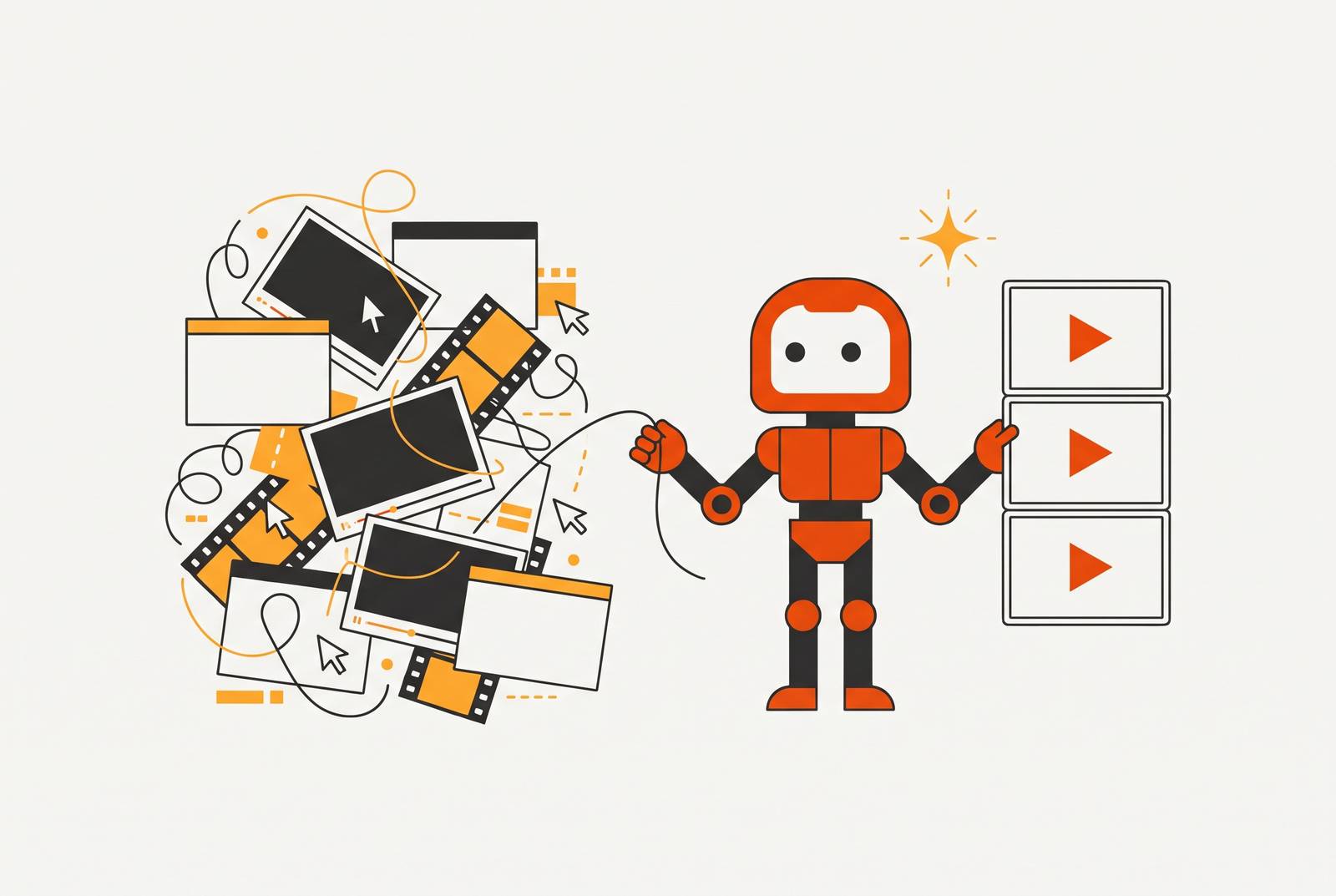
Agentic video editing works best on messy screen recordings when AI handles repeatable cleanup and a person controls the story. AI can remove dead air, trim filler words, frame clicks, and make captions without someone having to work on a timeline. The safe handoff is to set the structure and pacing before processing, then review meaning, framing, and accuracy before sharing.
Why messy screen recordings are hard to fix in post-production
A false start in a screen recording leaves more than an awkward sentence. It can leave the wrong menu open, the cursor halfway through a task, and the narration describing a screen that has already disappeared. The mistake is embedded in the demonstration itself. Removing the words does not necessarily repair the sequence, because the viewer still needs to see how one screen state led to the next.
Repeated explanations make that repair harder. The same topic can appear in three non-contiguous places, with a useful opening in one attempt and the clearest demonstration in another. Meanwhile, loading screens, navigation pauses, thinking pauses, and desktop notifications accumulate between them. It is a jigsaw with pieces that sometimes announce that the next meeting starts in five minutes.
Buttons, text fields, and menu items occupy only a small part of a full-screen capture, so the action may be hard to follow on a laptop or phone. Zooming becomes part of explaining. If the narration and clicking have drifted apart, the editor must also restore their relationship.
With traditional editing, someone does those jobs on a timeline, cutting footage and keyframing zooms by hand. That workload scales poorly when a team regularly records demos, support walkthroughs, or async updates. Editing takes over from recording as the slow part of the work. AI assistance is especially appealing here because so much cleanup is repetitive, but the tangled sequence also invites it to make decisions that repetition alone cannot solve.
What can AI automatically edit without manual timeline work, and why does it work?
AI earns its keep when the task has a detectable pattern. Silence trimming looks for pauses beyond a configurable threshold, while filler word removal finds phrases such as “um,” “uh,” and “you know” in the transcript. Those edits can remove the corresponding audio and video and close the gaps. The target is concrete in each case. The tool does not need to understand the purpose of the whole demonstration to find a long pause.
Auto-zoom uses mouse movements and clicks as clues to which on-screen element to show up close, so the tool can frame it without manual keyframing. The cursor supplies a rough map of attention. That is useful when the important action occupies a tiny patch of screen, although a map of clicks is not yet a map of meaning.
Audio cleanup and transcription also start with recognizable patterns. Background noise suppression works on ambient noise and echo, while automatic transcription turns the narration into text that can be used for captions. Built-in transcription is common on AI-native recorders, though not universal. Topic changes in that narration can also provide boundaries for chapters and summaries, making a long session easier to navigate without someone naming every section by hand.
For people who do not edit videos, transcript-based editing makes the biggest change to how they work. Removing a rambling explanation becomes closer to editing a document than hunting for its start and end on a timeline. That changes who can do the cleanup. These tasks suit AI because their targets repeat, and the tool does not get tired at minute 47. The tool can be trusted to find the same pattern each time, but it cannot tell whether every match should be cut.
Where AI makes bad creative calls, and why the same chaos that creates the editing problem also misleads the AI
A session with three overlapping explanations asks a different question from a session with three long silences. Which explanation should survive? The footage alone does not tell AI which take was intended, which sounds most confident, or which moment best communicates the product’s value. A smoother sentence is not necessarily the right sentence. Choosing between takes requires a judgment about what the viewer needs to understand and believe.
Pacing exposes the same gap. A pause might be wasted time while a page loads, or it might give the viewer room to absorb a result before the next step. Silence detection can locate both, but the duration does not explain their purpose. A tight cut can therefore remove the beat that made a reveal work. The scissors are doing their job; the problem is the brief they received.
Structure depends on information that may never appear in the recording. What goes first, what disappears entirely, and what belongs in another video depend on the audience and its reason for watching. False starts make that uncertainty worse. Automatic chapters may give a disordered session a tidy table of contents by neatly labeling repeated attempts, leaving the explanation disordered.
Product demos add a separate requirement for accuracy. AI cannot reliably verify that the visible screen state supports every claim in the narration, and a mismatch can have commercial or legal consequences. That check remains a human responsibility. The messier the source, the more structural and interpretive choices the tool faces, so the need for review grows precisely where the promise of automatic editing looks most tempting. This is a boundary for delegation.
How to set up a messy session before you record so AI makes better calls afterward
To make that boundary useful, build clearer signals into the recording. Use verbal signposts around restarts and transitions, including “let me start over” before a fresh attempt and a brief pause before each distinct section. Name the transition out loud. These phrases give the transcript detectable handles without requiring a polished script or turning every recording into a studio production.
Give the cursor the same discipline as the narration. Pause briefly before a decisive click, then hold the result for one or two seconds after it appears. Auto-zoom needs that dwell time to frame the action. Those pauses also give a human editor clean handles for an override, while frantic movement gives the tool competing signals about where attention belongs. The mouse does not need to audition for an action film.
Preserve room to reframe the footage later. Keep the screen and webcam on separate editable layers rather than permanently placing the camera in one corner, and record at the highest resolution practical. Footage of 1080p or higher gives AI reframing and auto-zoom more visual information to work with. Low-resolution footage gets even less clear when cropped, so a button can look bigger without being easier to read.
Prepare the content as carefully as the capture. Use a demo account with realistic but fictional data, never real customer data or internal metrics, so privacy and the intended story do not compete. For longer walkthroughs, record separate parts that each make sense on their own. Speak clearly and give each part a spoken cue. These habits provide cleaner boundaries and audio for editing and captions. They do not require a new piece of software or expertise in post-production.
How to structure the handoff: which decisions to approve before AI processes the footage, and which to review after
Before processing, choose settings that match how the video should feel to watch. Set the silence threshold deliberately. A tighter threshold suits a fast-paced demo, while a looser one preserves breathing room in instructional content. Make a separate choice about whether to turn on filler word removal. It can work well for “um” and “uh,” but complex technical narration can sound unnatural when every hesitation is treated as disposable.
Give the tool a destination as well as cleanup rules. “This should be a 90-second feature clip” asks for a different result from “this is a 5-minute support walkthrough.” Name the planned beginning, middle, and end so chapter generation has a structure to follow. Length alone does not provide that structure.
After processing, review the transcript for logical flow, then watch the edited cut at speed to check that the story holds. Reading is faster than scrubbing through the timeline for every sentence. It can show where ideas fail to connect, but watching the cut is still needed to check the timing and how the speech lines up with the screen. Check whether the pauses that were cut were just idle time or gave a key moment room to breathe.
Next, inspect auto-zoom wherever the cursor moved or clicked rapidly, because those sequences are most likely to lag or misframe. For product demos, manually confirm that the on-screen state matches the narration at every claim. Read captions against the audio for technical terms, product names, and proper nouns. Those checks have different targets from the story review.
This two-stage process keeps review focused rather than vague. Before processing, the creator approves the rules for length, pacing, and structure. Afterward, the creator checks the consequences in the actual cut. The edits need to preserve the explanation the viewer was meant to receive.
What a one-tool workflow looks like when recording, editing, and sharing happen in the same place
A fragmented tool stack can give back much of the time saved by automatic cleanup. The traditional route moves from a screen recorder to a separate editor, then to a caption tool or service, and finally to a sharing or hosting platform. Each handoff adds export work and another place where quality can degrade.
An integrated workflow keeps capture, AI editing, and sharing in one place. Tools such as a teleprompter can help cut down on false starts, while an invisible recorder can help people feel less self-conscious as they record. The review then happens in a document-like transcript interface that requires no timeline skills. Instant upload can also make a shareable link available as soon as the session ends, without a separate rendering delay. Even with a link ready, the video still needs to be checked before it is shared.
For a team choosing a tool, the useful comparison is therefore by job. A product-demo workflow depends on readable framing and a careful accuracy review, while a support walkthrough needs room for explanation and useful navigation. Async updates benefit from a short path from recording to distribution. Customer stories still need human judgment about performance and credibility. There is no single automatic pacing choice that serves all four equally well.
For these high-volume, fast-turnaround videos, an integrated approach can help get a useful recording shared and prevent its abandonment. Campaign-quality assets have a different burden. Keeping branding the same across many persona variations or doing a lot of post-production polish calls for a dedicated production pipeline, which goes beyond what a screen-recording workflow is built to do.