How AI Video Editors That Own Cut and Pacing Decisions Handle Screen-Recording Source Material
Screen recordings give AI clear cues for cuts and pacing.
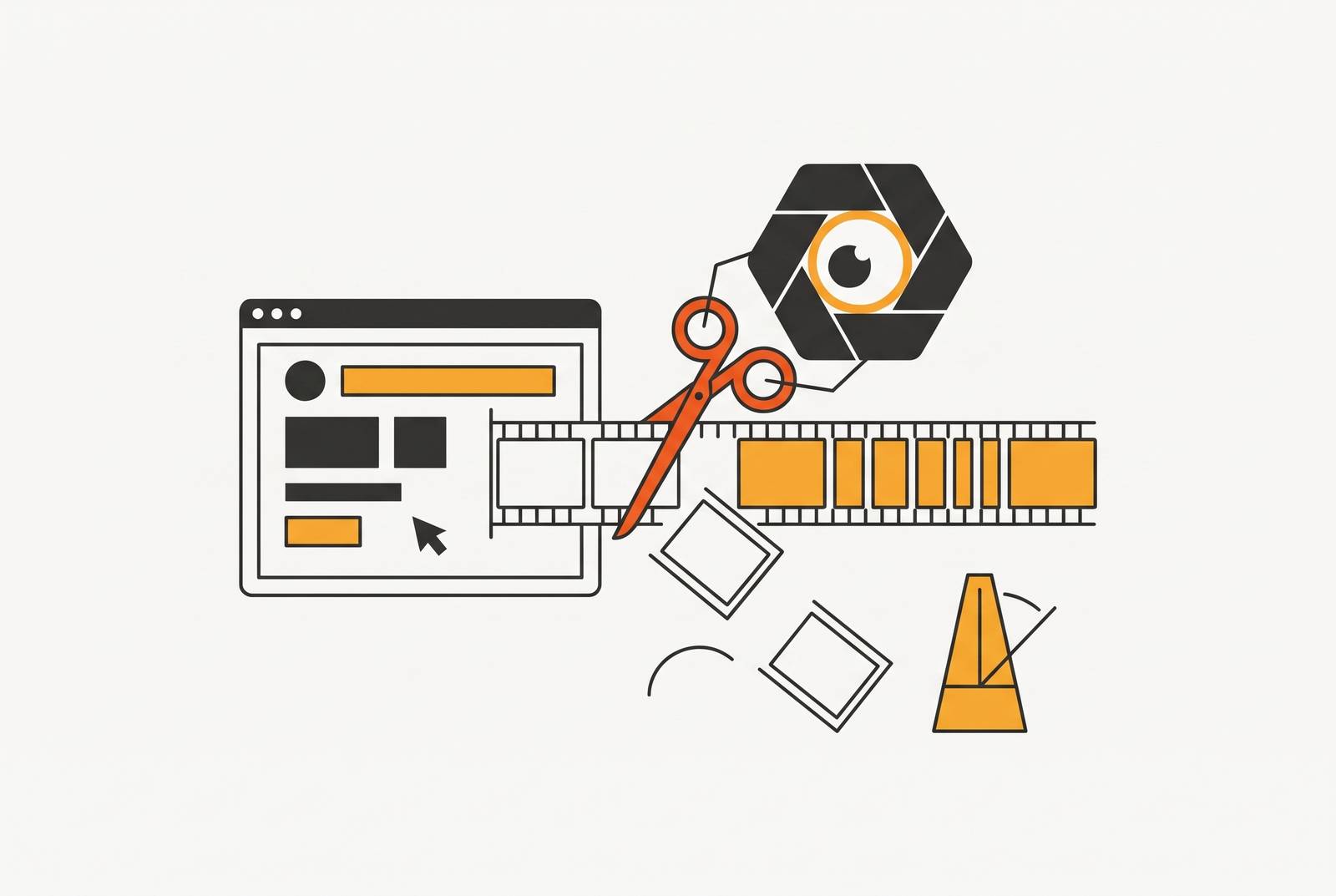
Agentic video editing works especially well on screen recordings because speech, screen activity, and timestamps give AI overlapping signals for cuts and pacing. The best fit depends on the job, which may be cleanup, short clips, a finished cut, or precise transcript edits. Choose how much judgment to delegate.
Yes, for the most part. Screen recordings give AI overlapping signals to work from: the transcript puts a timestamp on every word, the audio shows pauses and emphasis, and the picture shows cursor movement and on-screen changes. AI can cut where a sentence ends, a pause follows, and the cursor stops, and it can give more time to a step with a lot to take in than to a transition like "now let's move to the next section". It is less reliable where intent is not in the signals, since a deliberate pause for emphasis can look like dead air and get cut.
Why screen recordings have a structural profile that other footage types lack
A typical screen recording has one speaker, one screen, and linear narration. There is no camera movement to interpret and no physical action demanding a change of angle. The meaningful events are what the narrator says and what appears on screen. That makes the footage unusually legible to an editing system. It has fewer moving parts, quite literally.
The spoken and visual channels also reinforce each other. When the narrator explains a setting, the screen shows that setting, so the audio and picture offer overlapping accounts of the same event. Interviews, documentaries, and event footage do not offer that same tight coupling. A transcript of a multi-camera interview captures the words but cannot tell an editor which angle to choose or how long to hold a reaction.
In a screen recording, the transcript is effectively the timeline. Every spoken word corresponds to a timestamp, making text and footage two ways to describe the same material. Visual monotony becomes a predictable constraint. Cursor movements, interface changes, and scroll events supply trackable visual landmarks without human labeling. That predictability gives AI editing exactly the conditions it needs, namely clear events, readable boundaries, and several ways to locate the same moment.
Can AI automatically cut a screen recording based on what's being said and shown?
A good place for a cut is usually where something ends. In screen recordings, that might be a sentence, a pause after an explanation, or the completion of an on-screen action. AI can look for those boundaries. The content sets the cut point.
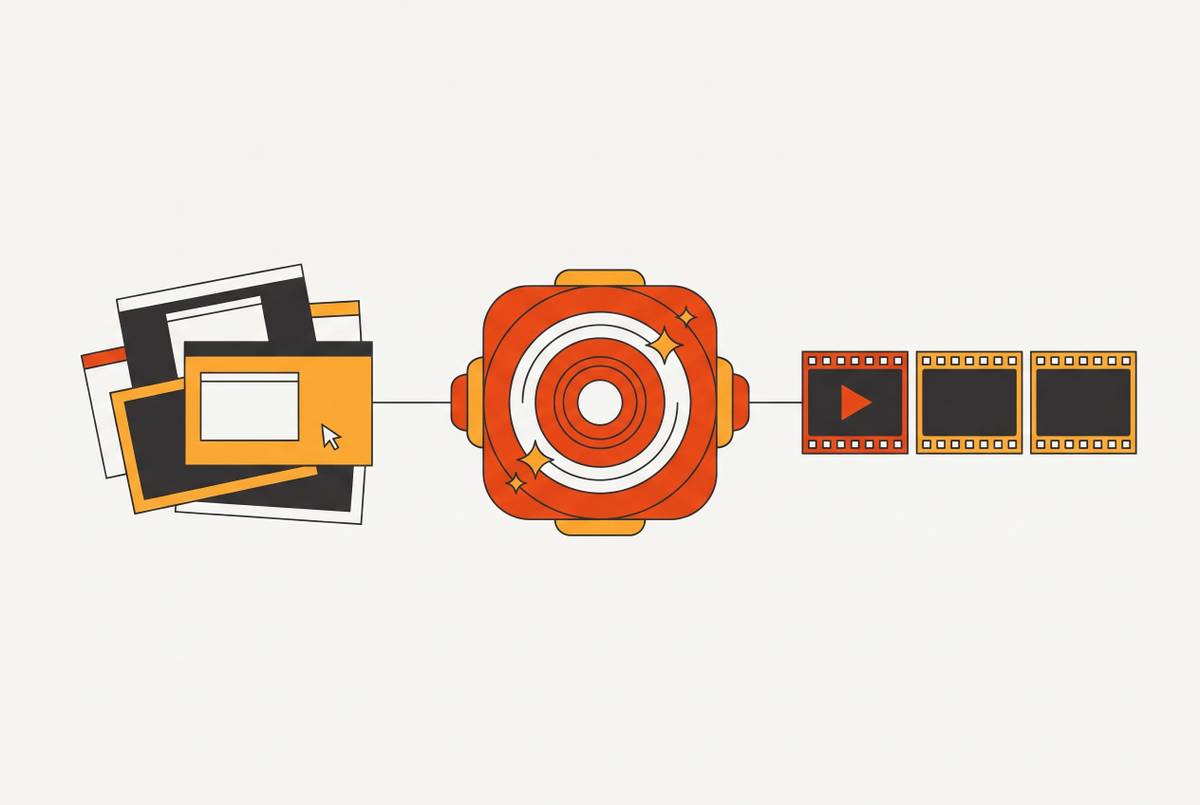
Three technical layers help locate these boundaries. Audio waveform scanning detects silence, emphasis, and rhythm, while visual AI tracks cursor movement, faces, and on-screen state changes. Machine-learning models trained on large video libraries can judge which boundaries make cuts that feel right and keep people watching, as well as join the footage cleanly. These signals serve different purposes, but their agreement strengthens the inference. A completed sentence followed by a pause and a stopped cursor offers more evidence than silence alone.
The transcript provides another useful cross-check. Because each word has a timestamp, the system can read the sentence boundary and confirm it against the audio pause. In a lesson, these signals often come together when the speaker finishes both explaining and showing a step. A documentary interview has sentence boundaries without the matching interface action, while event footage has action without consistent narration. Screen recordings offer both. Content-based cutting has less guesswork to do here.
How AI estimates pacing from content weight rather than applying a uniform rhythm
Pacing asks a different question, namely how much time the viewer needs for what just happened. AI can estimate that from dialogue density, the apparent significance of an on-screen action, and natural pauses. Some moments need room to breathe. Others are just the walk from one room to the next.
A narrator explaining a setting while navigating a submenu delivers more information than someone saying “now let's move to the next section”. Automatic assembly can give the step with more to take in more time and move quickly through the transition. This is a per-moment estimate.
People naturally slow down for important steps and speed through connective passages, so reading the waveform with the transcript can help AI preserve that contour. Tutorial pacing thus depends mostly on how much there is to explain, while film pacing depends on a broader emotional arc. The limit is intention that the signals do not explain. A dramatic pause may give a thought more weight before it ends, and an AI system can mistake that pause for time to cut.
Which AI auto-cut tools fit different editing jobs on the same footage
“Auto-cut” in 2026 describes four distinct tiers. The cleanup tier removes pauses, filler words, and repeated takes while keeping one continuous long-form video. It suits internal communications, async updates, and course recordings where the whole take is needed. The job is to tighten the recording. It is not to turn an update into a trailer.
The clipping tier solves distribution instead. It reads semantic and emotional beats across a recording and extracts shareable moments as short-form vertical clips. The finished-cut tier takes on a different assignment, choosing transitions, music, pacing, and structure to produce something that looks deliberately edited. In that workflow, AI is deciding rather than merely assisting. Neither tier is a more prestigious version of cleanup.
The precision-editing tier keeps the human in charge of selection. The editor reads the transcript and marks what to keep, while AI executes the removals. This is useful when exact wording and sequence outweigh the appeal of a hands-off result.
Workflows divide first by the desired output: one cleaner long-form video or a batch of short clips ready to post. That separates preservation from distribution, after which the amount of delegated judgment distinguishes the other options. A cleanup tool will feel wrong when the assignment is social clips, just as a finished-cut tool may feel wrong for a word-sensitive technical explanation. The mismatch concerns workflow fit.
What Shade reveals about the difference between workflow AI and director-level decisions
Shade provides AI-powered footage search, cloud storage, metadata tagging, review and approval workflows, and integration with nonlinear editors. Those functions support post-production work. They do not establish that the product chooses a cinematic structure, inserts B-roll cutaways, or builds montage edits.
Search helps a team find footage, while review tools help people judge the choices made in an edit. A finished-cut editor would make more of those decisions itself, including transitions, music, and how long each moment holds. Calling both “AI video editing” hides a substantial difference in responsibility. The same umbrella covers very different weather.
Screen recordings can support director-level automation because their structure is often explicit. A tutorial naturally moves through setup, demonstration, and result, with that progression encoded in the narration. A system reasoning about those stages would be doing more than removing dead air. It would be choosing how the explanation unfolds.
The trade-off belongs to the finished-cut tier, and attributing it to Shade is unsupported. When AI chooses structure and pacing on the editor’s behalf, correcting a mismatch can require revisiting more decisions than correcting a cleanup pass.
Where transcript-based editing gives humans the most precise control over AI-cut footage
Every word is tied to a timestamp, so deleting text removes the corresponding footage. Rearranging paragraphs rearranges clips. The editor works at the level of meaning. Reading becomes an editing skill, without a timeline apprenticeship.
This works particularly well for screen recordings because narration is the main axis of the content. Cutting an explanation that is not needed also cuts the part of the demonstration that goes with it. Selecting a necessary qualification preserves the words that make the instruction accurate. Human control and AI autonomy are therefore not separate technical worlds. They use the same text-to-time linkage, but assign the final choice to different decision-makers.
Precision editing is the appropriate tier when the material contains intent that AI may misread. A pause in a technical explanation might signal emphasis rather than hesitation, while an instructional step may depend on an order that audio patterns alone cannot explain. In those cases, the human selects the sequence and AI performs the cut.
Where AI cut and pacing decisions work against screen-recording footage rather than with it
The structural advantage has a clear boundary. AI can find where sentences end more easily than it can understand every story beat. A pause that adds emphasis may resemble dead air, so a cleanup decision can remove the very space that made the explanation land.
Engagement scoring introduces another possible conflict. A tool looking for shareable clips may favor the loudest or most action-dense moment over the quiet passage the sequence was building toward. In a tutorial, the result may depend on the setup for its meaning. Showing the payoff first can preserve the spectacle while losing the explanation. That is a distribution decision working against an instructional purpose.
Tool design can create a separate mismatch. Many self-serve avatar and text-to-video platforms are built around people, avatars, and stock footage. Guidde, Clueso, Trupeer, and Camtasia belong to a growing class of screen-recording-native tools built for UI recordings and technical explainers. That distinction is relevant when the visual subject is a submenu rather than a face, but it does not remove the need to assess the editing job.
Treat automatic assembly as a starting point to review and refine, especially for high-stakes content. AI does well at work that repeats and has clear signals to follow, such as silence removal, captions, and sentence-boundary cuts. Humans still have to judge whether the sequence does what it needs to do.
How to match the level of AI autonomy to what a screen-recording actually needs
Start with the output and its audience. If the final video needs the whole recording with mostly just the dead air cut out, choose cleanup. For an internal update, that may be the entire assignment. More editorial intervention would solve a problem the recording does not have.
For a product demo or sales video, choose between finished-cut and precision editing based on how tightly the pacing must follow a particular narrative arc. AI can assemble a structure, but a human should verify that the setup and payoff arrive in the right order. If a particular explanation must be kept in full, leave the final choice of what stays to a human. Delegate presentation only as far as the intended sequence allows.
For tutorials and course content, prefer precision editing when instructional order must be correct. Transcript-based control lets the creator keep the steps that are needed without learning how to work on a timeline. Cleanup works when the whole take is already good and just needs tightening.
For social clips from a long recording, choose clipping. Its job is to find high-signal moments.
For teams recording frequently, also assess the handoff. Tools that bring recording, transcript editing, and sharing together save teams from moving every video into a separate editor, which often slows down getting it published. Whatever tier is chosen, use the transcript to review the moments where AI judgment could change the meaning. The skill is matching autonomy to the footage and its use, and screen recordings make that match unusually easy to inspect.