How Screen-Recording-Native AI Agents Handle the Messy Middle of an Unedited Capture
AI agents are automating the messy work of turning rambling screen recordings into polished edits.

Agentic video editing turns a raw screen recording into a finished edit by letting an AI agent put cuts, zooms, layouts, and captions in order without a person working on the timeline. Unlike a silence-removal button, the agent reads the project, makes changes, checks the result, and revises. The real advance is a continuous recording-to-editing workflow, with a human reviewing the result.
Why the gap between raw capture and publishable video is where AI agents now compete
A 15-minute screen recording has long meant roughly an hour of trimming, captioning, and reformatting, before work on color or audio even begins. Recording is the easy part of that bargain. Turning a rambling capture into something another person can follow without donating their afternoon costs time. That imbalance puts the unedited middle, rather than capture quality or hosting, at the center of competition.
The key distinction is who operates the timeline. One category adds an AI panel to an editor the user still drives. Another exposes the editing tools and project state so an agent can make and inspect changes itself. These are different architectures.
“Automatic” also needs a little unpacking before it earns its place on the box. Generating a finished video without footage is not the same task as editing an existing recording. Screen-recording-native agents belong to the second category, where the challenge is preserving what happened while removing what gets in the viewer’s way.
What unedited screen recordings actually contain that makes them hard to edit
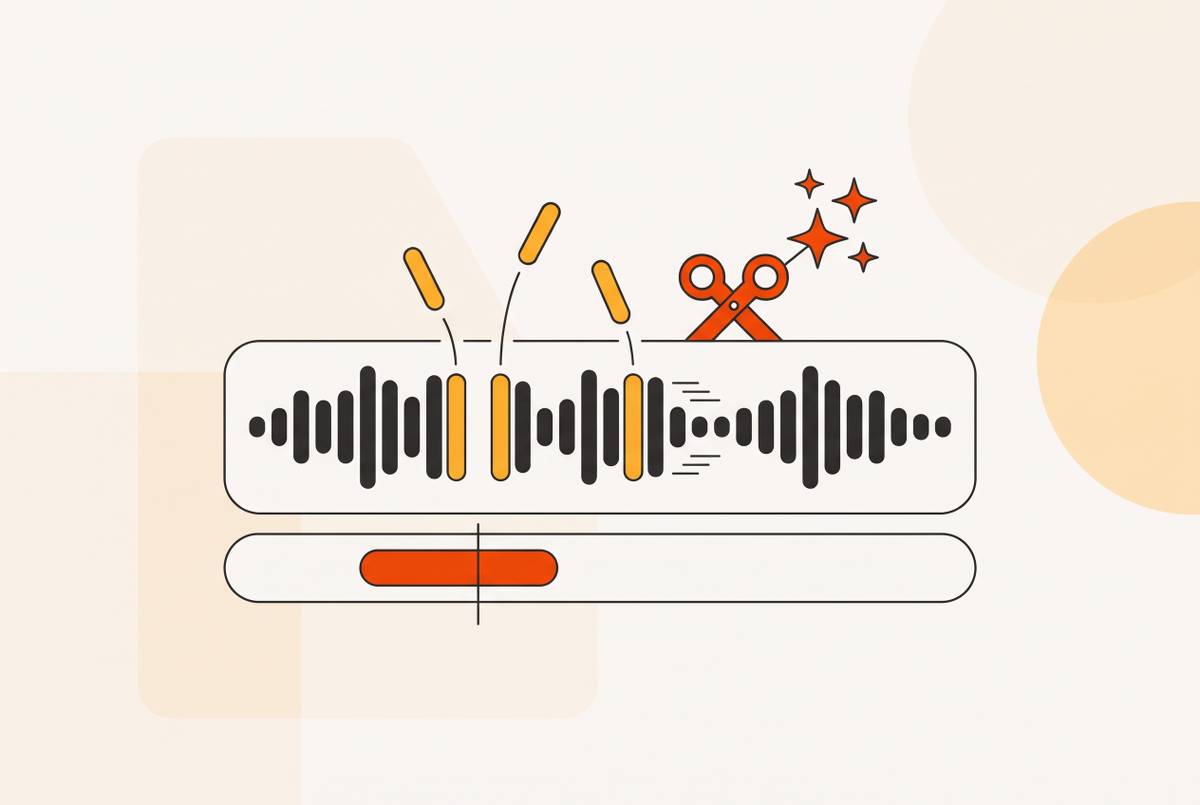
Raw footage contains more than extra minutes to delete. It contains dead air, filler words, aimless cursor movement, open notification trays, uneven pacing, and explanations with no clear chapter breaks. The presenter knows where the demonstration is going. The viewer gets a desktop, a wandering pointer, and the faint hope that the next click will explain everything.
Those problems are tangled together. Removing silence changes the timing of everything that follows, so a zoom placed on the original timeline may no longer land on the intended action. A pause may be wasted time, or it may give the viewer room to understand a setting. Cutting by duration alone cannot settle that distinction.
A product demo suffers when clutter hides the click, while an async update loses viewers to filler and dead time. An onboarding walkthrough needs logical segments so a new hire can return to a step without hunting through an uninterrupted explanation. Audio quality underpins all three because unclear speech can produce transcript errors and awkward cuts.
How can AI agents make cuts and pacing decisions without manual timeline work?
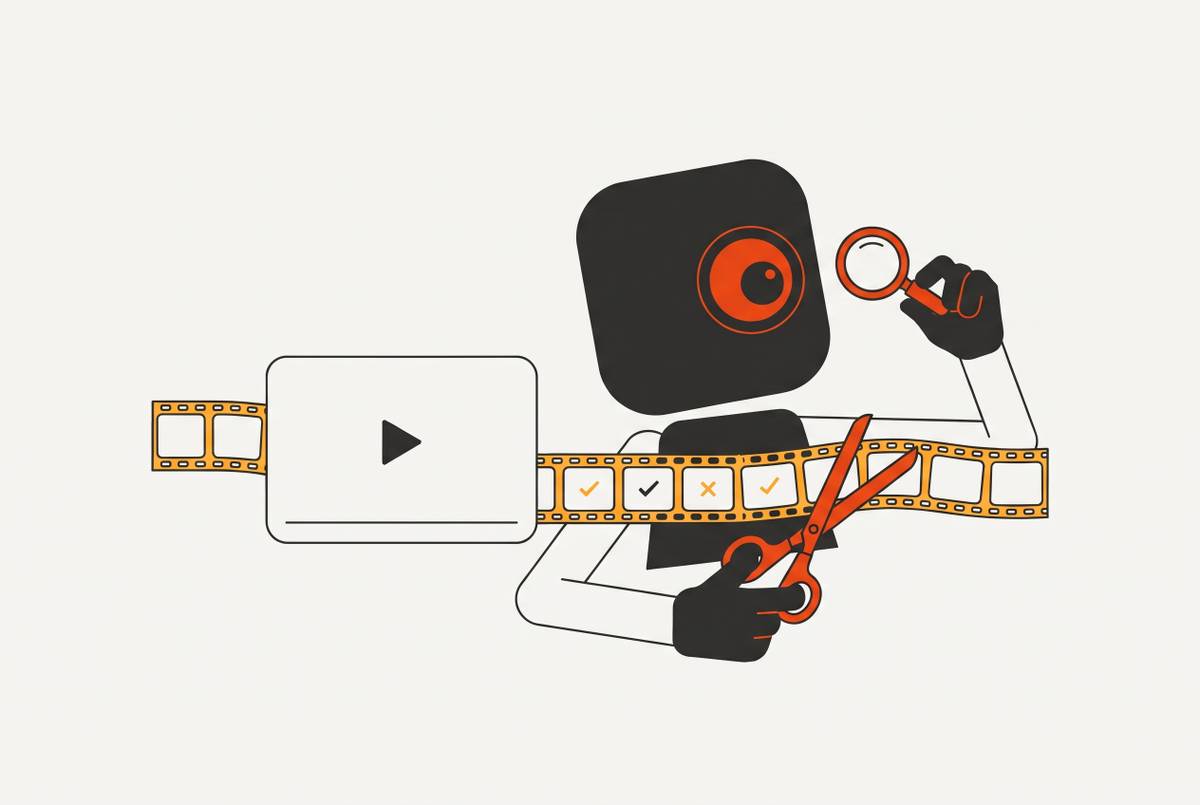
An agentic editor starts with a plain-language brief and breaks it into tool calls, including trims, zooms, captions, and reordering. It then inspects each result before choosing the next action. This loop works much like a coding agent working through a task, but with a video project in place of a codebase.
For that loop to work, the agent needs access to structured project state. Clips, in/out points, track order, and the transcript must be readable as data. A polished interface alone does not provide that access. The agent needs to know what exists, where it starts, and what a change did before it can reliably make another one.
The editing sequence begins with reading the transcript and timeline. Silence removal comes before zoom placement because zooms must line up with the shortened edit. The agent makes captions after fixing the transcript and chooses layouts after making structural cuts so they fit the parts that remain. Export and format changes come last. Reversing that order means making decisions against a version of the video that is about to disappear.
Self-correction separates this process from a recorded macro. After a tool call, the agent reads the project again, checks the transcript or inspects frames, and can reverse or revise a change. Human feedback such as “that cut is too abrupt” becomes a revision within the existing project.
What MCP actually does to the recording-to-editing handoff
Anthropic’s Model Context Protocol, or MCP, is an open standard that gives AI applications a shared interface for connecting to tools and data outside them. An editor that exposes an MCP server can make its timeline, media bin, and export functions available as callable tools. That gives outside agents a way in. Claude, ChatGPT, Codex, or Cursor can operate the tools an editor exposes instead of leaving the user to relay instructions through manual clicks.
PandaStudio documents the recording side of this architecture in its August 2026 documentation. Its commands include recording.start, recording.stop, and recording.list-sources. They let an agent identify a recording source, begin capture through the OS pipeline, and finalize the video into a ready-to-edit project. The agent does not need its own screen.
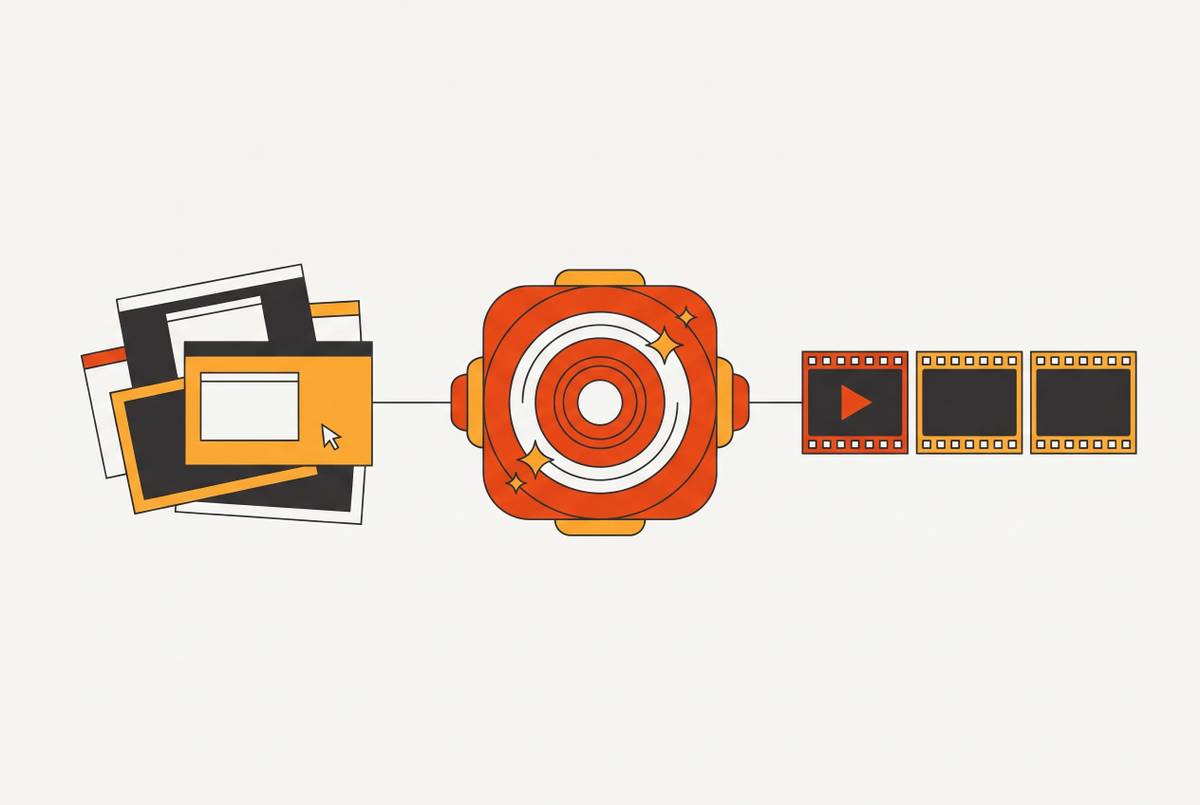
When recording and editing are both callable, they can belong to the same instruction sequence, followed by narration and publishing. MCP supplies the connection. Its significance is that an agent can use tools across that boundary without a person exporting a file, opening another application, and explaining the job again.
Transcript-based editing as the agent's primary interface with unstructured footage
The transcript is the agent’s map of what happened when. It gives the editing loop a way to connect speech with time, which is necessary for distinguishing a stumble from deliberate repetition or a section break from a pause mid-thought. Words make the footage addressable.
An error can affect both the words displayed and the cuts made from them. In transcript-based editing, correcting a word and automatically updating caption timing is a one-step operation that would require three separate timeline adjustments in a traditional NLE. The convenience for a non-editor is also the structural advantage for an agent.
Word-level captions then derive their timing from the corrected transcript, with styles and format-specific safe zones applied as transforms. Once the transcript has been checked, the same timing data can be used for captions in supported languages without processing the video again. Accuracy compounds across those outputs. However, transcription can still produce incorrect or hallucinated phrases even when speech sounds clear, so captions and text-driven cuts remain drafts. An agent that exposes the transcript before committing cuts offers a stronger review point than one that hides it.
What agents do with visual structure — zooms, layouts, and format transforms — once the transcript is settled
In a screen recording, a zoom is an editorial decision that tells the viewer where to look. Placing it on a click requires the agent to connect the transcript’s timing with the action on screen. If structural cuts have already settled the timeline, that cue can point to the intended moment instead of arriving after the useful part has passed.
PandaStudio documents a precise zoom operation through project.add-zoom --id=$PROJECT --atMs=8000 --durationMs=1800 --depth=3. Its OS capture pipeline tracks where the cursor is, so zooms can follow the pointer without a person choosing the region by hand. This is a concrete advantage of native capture. The recording contains action data that an uploaded video does not necessarily provide, giving the agent more than the finished picture to work from.
Layouts depend on the same sequencing discipline. Full-camera footage can serve an introduction, split-screen can serve a demo, and screen-only footage can serve a walkthrough, but those choices need the surviving segments and their durations. Choosing them before trimming can leave the picture fitted to sections that have since changed or been cut. Finally, horizontal footage can be reframed to 9:16, captions moved above the target platform’s safe zone, and the length changed to suit where the video will be shared.
Where fully autonomous recording-and-editing pipelines are already running
PandaStudio’s documentation describes a full loop connected to a software ship process. When a feature merges, an agent opens the app, records the new flow, narrates what changed in a consistent voice, and publishes the clip to YouTube, unlisted by default, or places it in release notes. The recording is part of announcing the change. It no longer has to wait for someone to remember that the new feature also needs a demonstration.
The same loop can update tutorials when the interface changes, turn changelog clips into short vertical social cuts, and attach bug reproductions to support tickets. Support answers can also become videos. Each use changes the trigger and destination while keeping the underlying sequence. Capture supplies the material, structural editing shapes it, and the output moves to where someone needs it.
These workflows show how much structural work an agent can absorb, but autonomous execution is not the same as publication clearance. Brand judgment also remains separate from mechanical correctness, since a clean cut can still feel rushed for its audience. The practical boundary is therefore clear. Agents can run the production steps, while people review accuracy, coherence, pacing, and whether the result is cleared to publish.
How these agent capabilities apply differently across product demos, async team video, and onboarding
For product demos, the brief should focus on one scenario and one buyer problem. The agent’s priorities are visual clarity and pacing, with zooms on click moments, removal of clutter, and cuts that keep the viewer oriented. The transcript is mainly a guide to when things happen. A technically tidy demo can still be generic if its brief asks it to show everything. No amount of zooming supplies a reason to care.
For async team video, cutting filler and dead time matters most, while keeping what needs to be said. Brevity is useful, but video is not automatically the right output. GitLab’s handbook prefers merge requests or issues for async communication and says written notes are more efficient to read than recordings, with video serving as a secondary tool. That makes a useful limit concrete. An agent can tighten an update, but making a video easier to watch does not make it faster to scan than text.
For onboarding, structure takes precedence over speed. A new hire needs logical breaks for pausing and returning to a step, while layout choices distinguish explanation from the screen activity being taught. Automatically refreshing a walkthrough when the product changes also keeps the recording from becoming a guided tour of a vanished interface. Across these uses, the continuous workflow remains the same. A single brief directs the structural edit, captions, formatting, and sharing, while the purpose determines which editorial choices receive the most weight.
What the recording-to-editing handoff looks like when one tool handles both ends
Switching tools gives people a chance to drop the edit. Even when the recording is done, exporting it and opening another editor makes polishing a separate job that competes with everything else. An all-in-one project removes that break. Recording, transcript correction, cuts, captions, layouts, and sharing stay together, allowing structural editing to begin as soon as capture stops.
For a product manager, customer success lead, or founder recording a demo, that continuity changes the work they have to do. The brief can ask for filler words and long pauses to be cut, zooms on Settings clicks, or different layouts for the introduction and demonstration. The agent handles the structural calls. The person then reads the transcript and reviews the result rather than learning timeline mechanics to make those requests happen.
The recommended workflow is an agent-run rough cut followed by human confirmation before publishing. Faster editing does not remove the need for judgment. A useful evaluation therefore asks whether a tool sequences dependent decisions correctly, exposes its work for review, and keeps recording and editing in one continuous project. Silence removal and captions alone do not pass that test. The stronger tool takes responsibility for the work between them, without treating a finished export as proof that the video is ready.